How do I change my email address?Updated 2 months ago
Step 1: Login to your Reel Account (more information here) and click on the Subscriptions menu link to be taken to your customer portal
- if you'd like to login by receiving a 4 digit code via SMS to your phone, click here to login
Step 2: In the navigation at the top of the screen, click Account

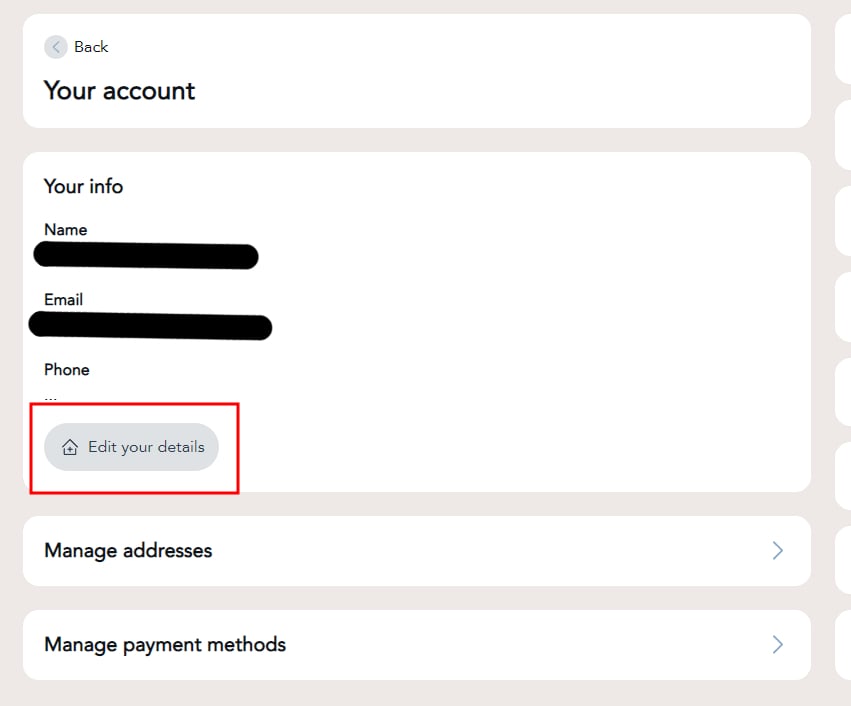
Step 3: Click on the Edit your details button
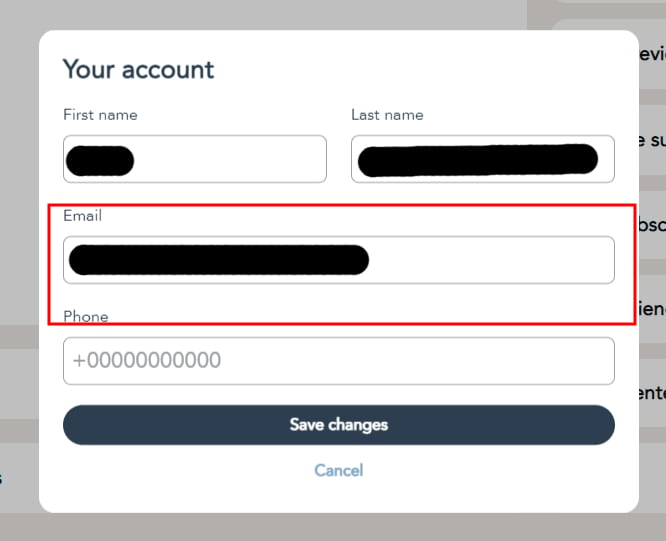
Step 4: Update your emails address and click Save changes